Clear start
Choose the event that triggers a workflow.
 Xonexa
LESS MANUAL WORK
Create a simple workflow that automatically takes the appropriate next step after an event.
Connect events and actions within Xonexa and perform recurring work automatically with Xonexa Automate.
Choose the event that triggers a workflow.
Have Xonexa automatically perform an appropriate follow-up action.
Activate, pause and check your automations.
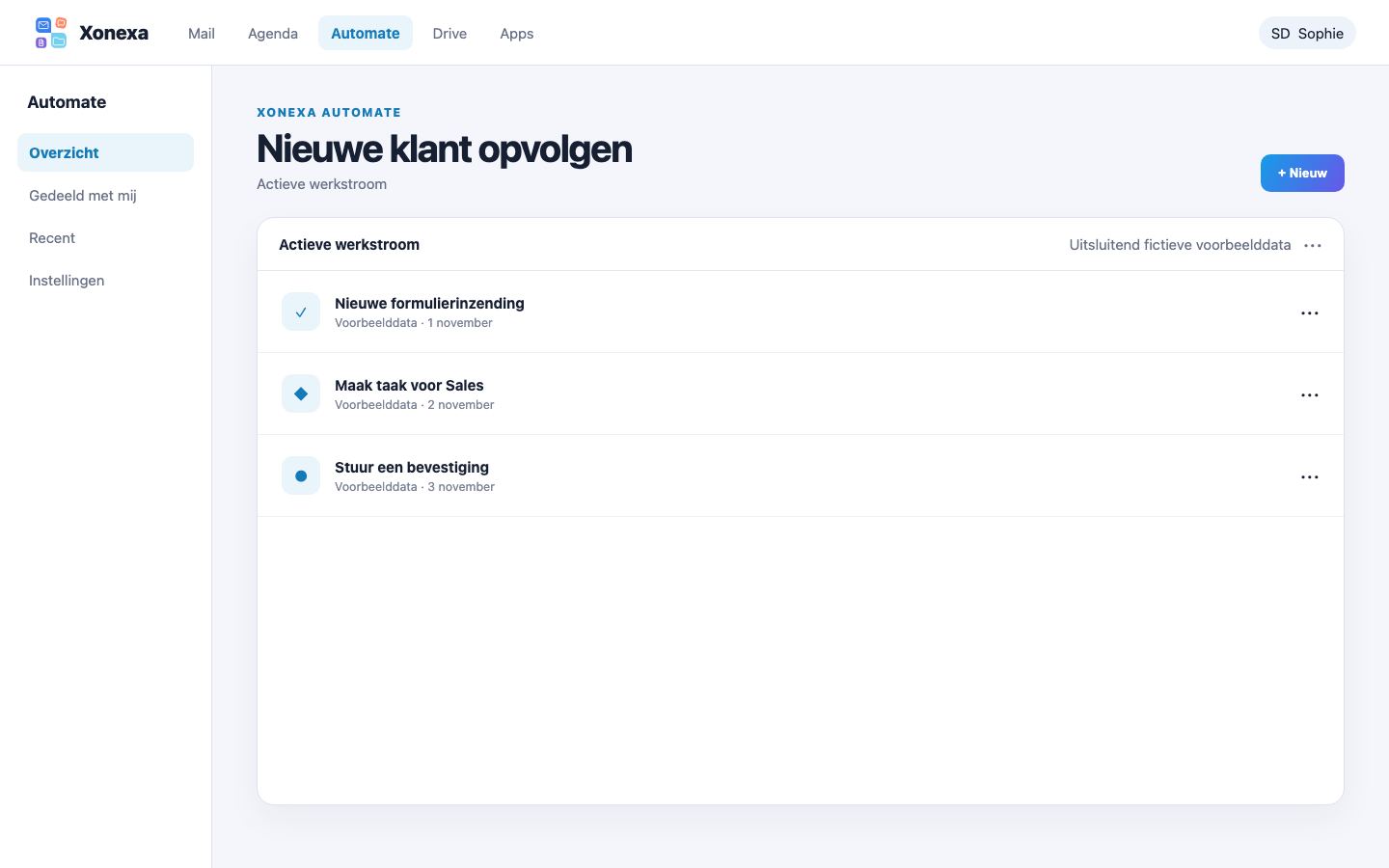
For example, after a form submission, create a task or send a confirmation.
Automate predictable steps first and regularly check whether the workflow is still consistent.
READY TO START?
You choose your own address and receive 5 GB of storage for your personal account.